

Imagine diligently working on your computer when a prompt for a Windows update appears. Instead of dismissing it, you proactively take measures to ensure the safety of your sensitive data, aiming to keep your device secure from the ever-evolving tactics of malicious actors. However, the seemingly legitimate update turns out to be a gateway for ransomware, plunging you into a cybersecurity nightmare marked by ransom notes and a compromised operating system.
This scenario underscores the constant threat posed by cybercriminals continually devising new methods to infiltrate systems and compromise data security through malicious activity. The multifaceted nature of this threat includes ransomware infections that encrypt valuable data, forcing victims into challenging decisions.
After your system is compromised by a threat such as a virus, it becomes almost impossible to use your PC. You are left with two choices: pay the ransom demanded in the ransom notes or seek assistance from a security team to remove the malware. Additionally, reinstalling a backup becomes necessary, if available, to recover from the malicious activity.
A new type of ransomware, known as “Ransomware with a significant impact,” has emerged, masquerading as a Windows update. This ransomware deceives individuals into downloading it, demonstrating the multifaceted nature of such threats and their ability to mimic legitimate operating system updates to propagate ransomware infections.
This article explores the intricacies of the renowned Big Head ransomware, focusing on its significant impact and deceptive techniques. Furthermore, it provides insights into safeguarding your sensitive data and protecting yourself from such sophisticated attacks, highlighting the importance of vigilance against the multifaceted nature of cyber threats.
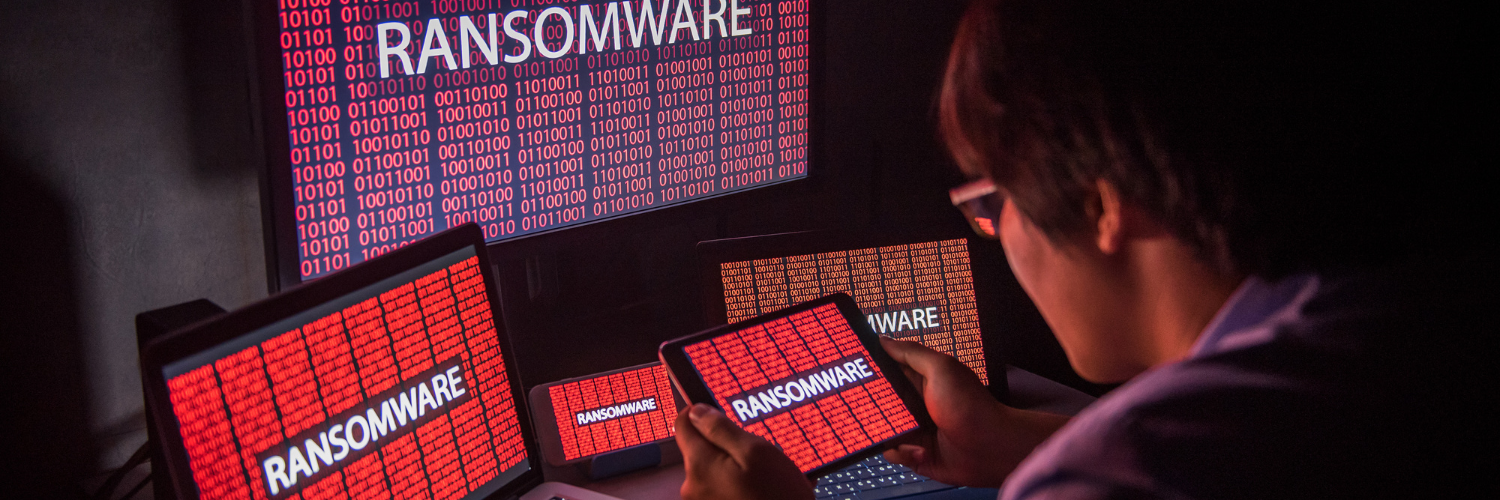
The Enormous Head Ransomware Deception
Ransomware attacks have long been infamous for their ability to encrypt files. The attacker holds them inaccessible to the victim until the victim pays a ransom. In the case of Big Head ransomware, the attackers have taken their tactics to the next level. The attack masquerades as a Windows update.
Prominent Head ransomware presents victims with a convincing and fake Windows update alert. Attackers design this fake alert to trick users. They think that their computer is undergoing a legitimate Windows update. The message may appear in a pop-up window or as a notification.
The deception goes even further. The ransomware uses a forged Microsoft digital signature. This makes the fake update appear more authentic.
This adds an extra layer of credibility to the malicious message. And makes it even more challenging for users to discern its true nature.
The attack fools the victim into thinking it’s a legitimate Windows update. They then unknowingly download and execute the ransomware onto their system. From there, the ransomware proceeds to encrypt the victim’s files. Victims see a message demanding a ransom payment in exchange for the decryption key.
By 2031, it’s expected a ransomware attack will occur every 2 seconds.
Protect Yourself from Highly Sophisticated Head Ransomware & Similar Threats
Cyber threats are becoming more sophisticated. Not just the good guys are exploring the uses of ChatGPT. Taking proactive steps to protect your data and systems is crucial. Here are some strategies to safeguard yourself from ransomware attacks like the highly sophisticated Big Head.

Keep Software and Systems Updated
This one is tricky. Because updating your computer is a best practice for security. Yet, Big Head ransomware leverages the appearance of Windows updates.
One way to be sure you’re installing a real update is to automate. Automate your Windows updates through your device or an IT provider (like us). This increases the chances of spotting a fake that pops up unexpectedly.

Verify the Authenticity of Update
Before installing any software update, verify its authenticity. Genuine Windows updates will come directly from Microsoft’s official website. Or through your IT service provider or Windows Update settings.
Be cautious of unsolicited update notifications. Especially those received via email or from unfamiliar sources.

Backup Your Data
Regularly back up your important files. Use an external storage device or a secure cloud backup service. If a ransomware attack occurs, having backup copies is vital. Backups of your data can allow you to restore your files without paying a ransom.

Use Robust Security Software
Install reputable antivirus and anti-malware software on your computer. These programs can help detect and block ransomware threats. This helps prevent them from infiltrating your system.

Educate Yourself and Others
Stay informed about the latest ransomware threats and tactics. Educate yourself and your colleagues or family members. Discuss the dangers of clicking on suspicious links. As well as downloading attachments from unknown sources.
Use Email Security Measures
Ransomware often spreads through phishing emails. Put in place robust email security measures. Be cautious about opening email attachments or clicking on links. Watch out for emails from unknown senders.

Enable Firewall and Network Security
Activate your computer’s firewall. Use network security solutions to prevent unauthorized access to your network and devices.
Disable Auto-Run Features
Configure your computer to disable auto-run functionality for external drives. This can help prevent ransomware from spreading through infected USB drives.
Be Wary of Pop-Up Alerts
Exercise caution when encountering pop-up alerts. Especially those that ask you to download or install software. Verify the legitimacy of such alerts before taking any action.

Keep an Eye on Your System
Keep an eye on your computer’s performance and any unusual activity. If you notice anything suspicious, investigate immediately. Suspicious PC activity can be:
- Unexpected system slowdowns
- File changes
- Missing files or folders
- Your PC’s processor “whirring” when you’re not doing anything

Have a Response Plan
In the unfortunate event of a ransomware attack, have a response plan in place. Know how to disconnect from the network. Report the incident to your IT department or a cybersecurity professional. Avoid paying the ransom if possible.
Need a Cybersecurity Audit?
Interested in learning more? Give us a call today to schedule a chat.


